Seven steps to set up your organization
Every Kinectem org follows the same short setup checklist. Owners and admins see this same list inside the app — here's a preview of what to expect, plus a quick reference of who can do what.
-
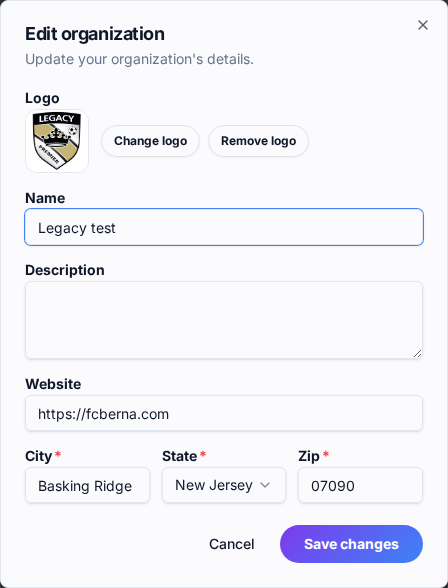
Upload your org logo
Your logo shows up on every profile, team page, and game recap your org publishes — it's the face families see first. Square works best, at least 256×256.
-
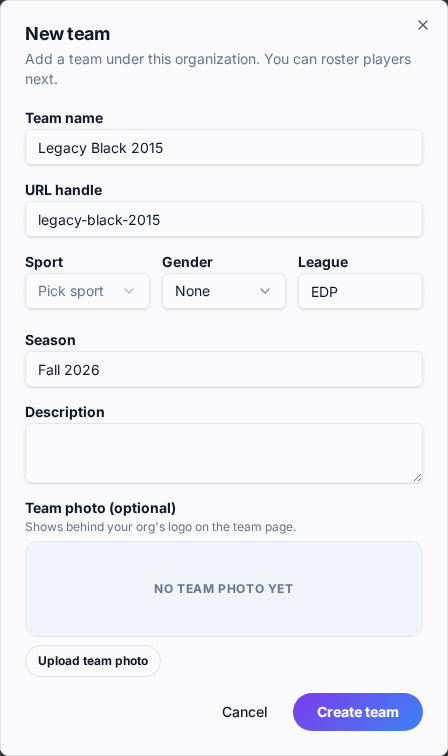
Create teams
Teams are where everything happens on Kinectem — rosters, game recaps, highlights, the whole story.
-
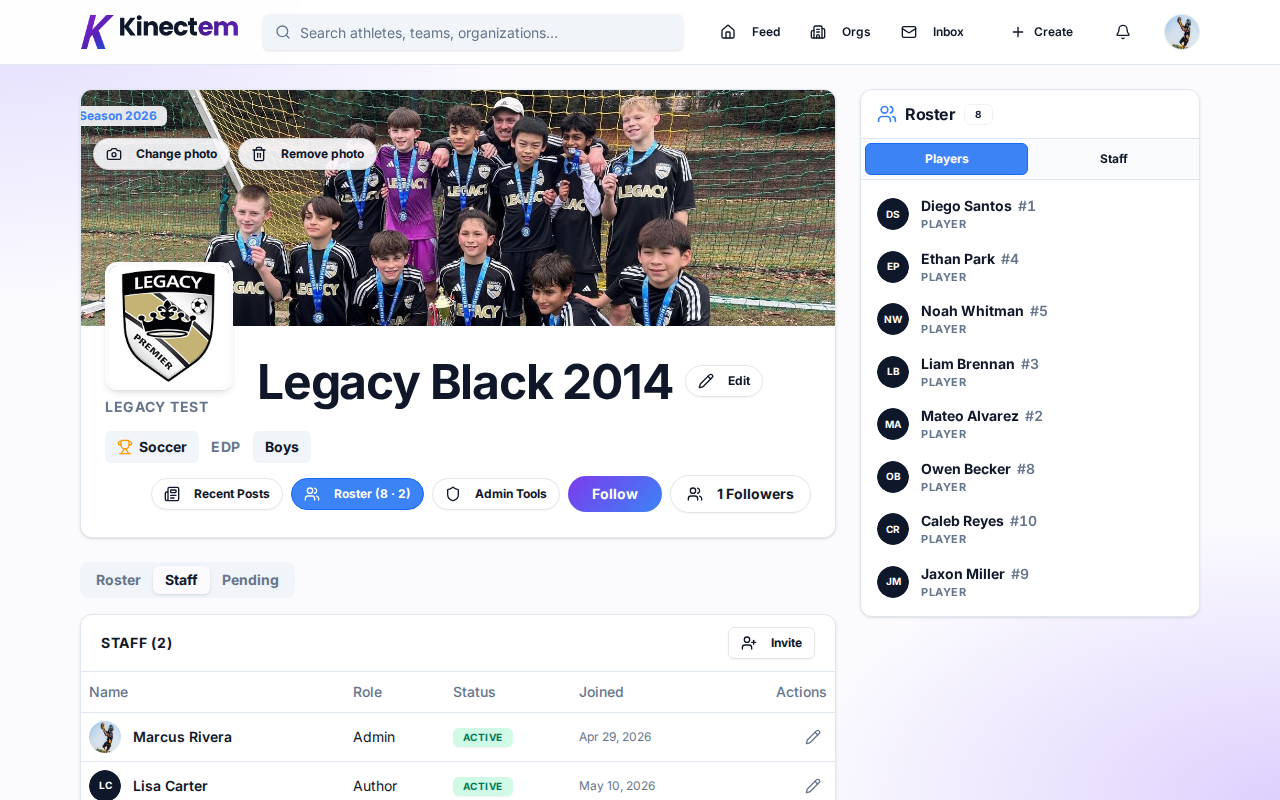
Invite coaches & staff
Send email invites to your coaches, team managers, and front-office staff — everyone creates and owns their own personal profile. They'll help run the org right alongside you — no one person carrying it all.
-
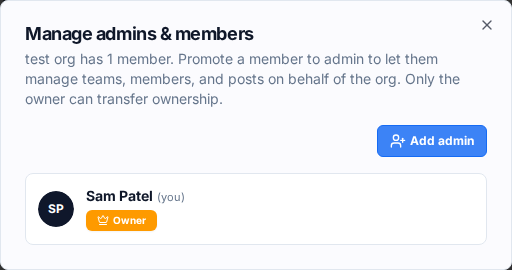
Add a co-admin
Promote at least one other person to admin so the org never depends on a single person. Co-admins can manage teams, members, and posts — so things keep moving even when you're not around.
-
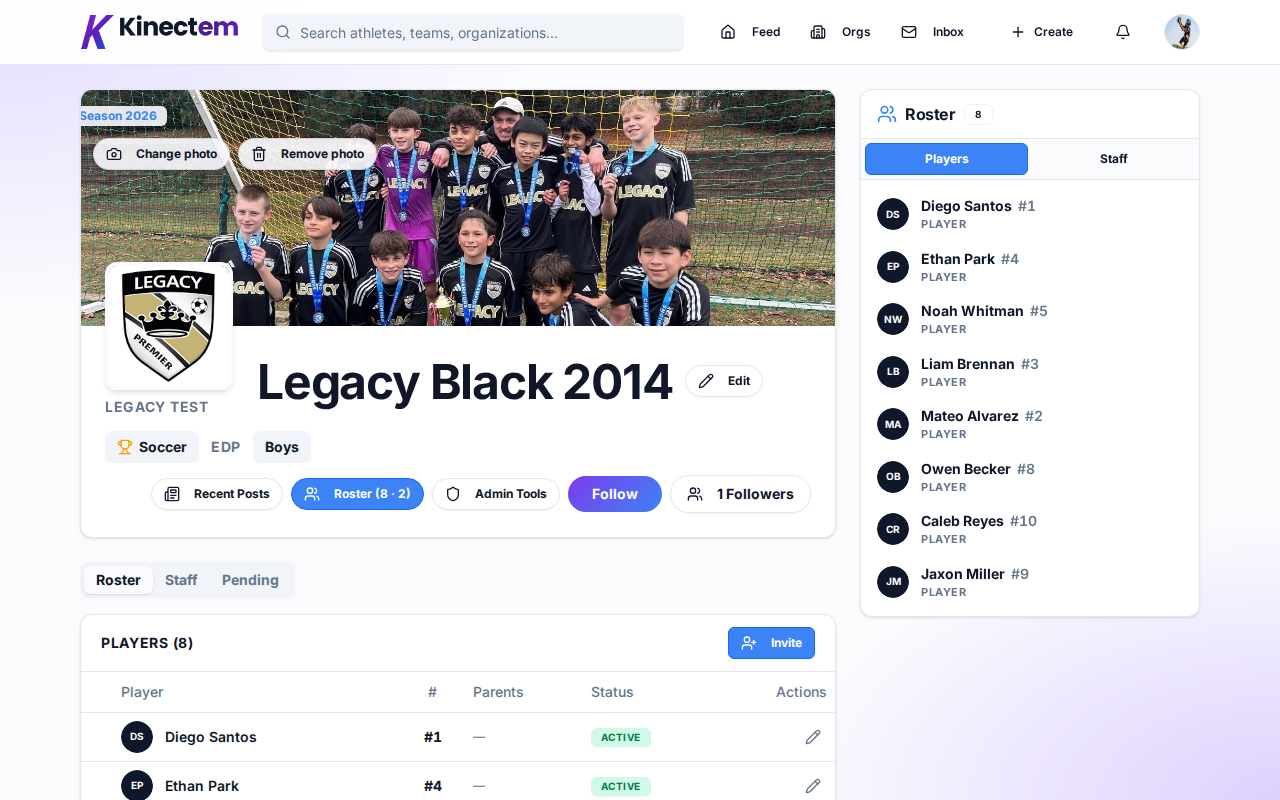
Add players to a roster
From any team page, send invites to the players on that team. Each invite starts a profile the athlete owns — and that profile follows them their whole journey. They are automatically following the org page and get tagged in team game recaps.
-
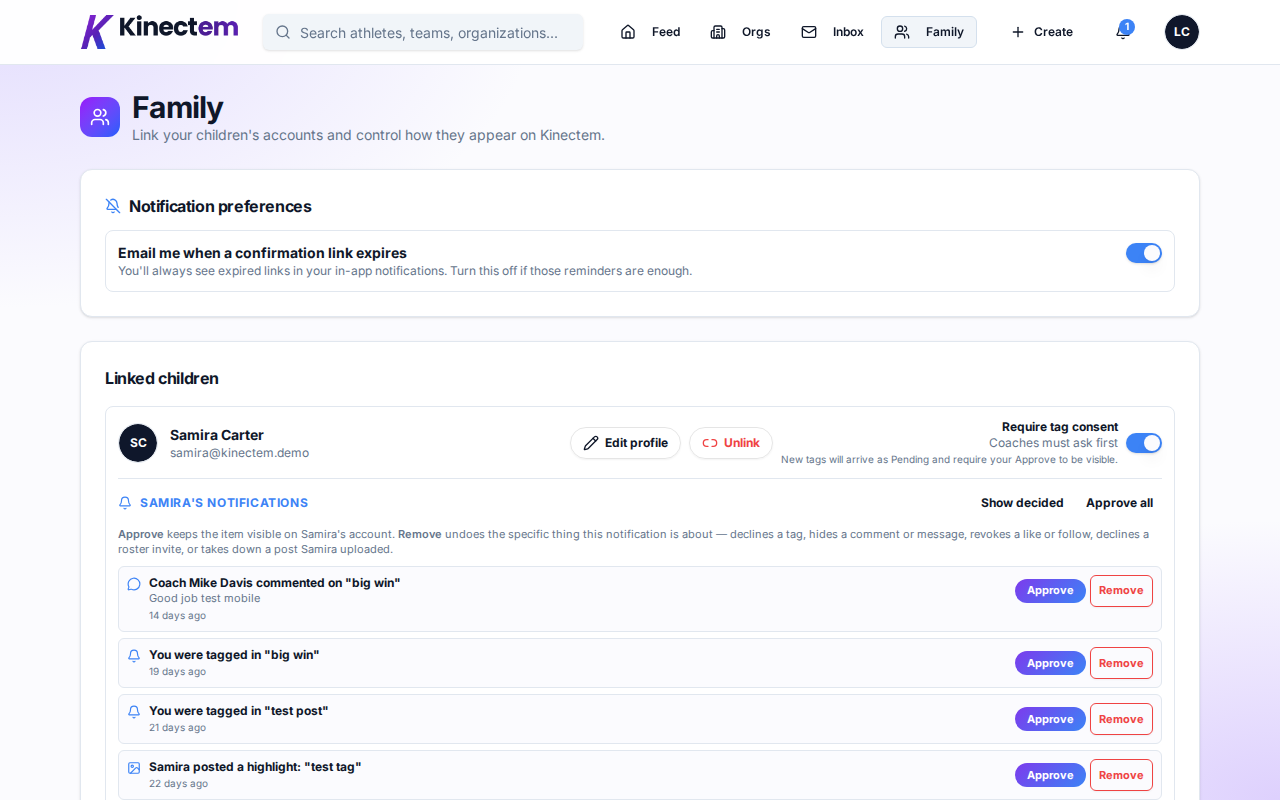
Invite parents & guardians
When you invite a player, you add the parent or guardian's email too. The parents can create their child's account and automatically be linked to that account. They'll be able to follow the team — and for players under 13, they'll complete the COPPA consent flow on their child's behalf. Safety built in from the first invite.
-
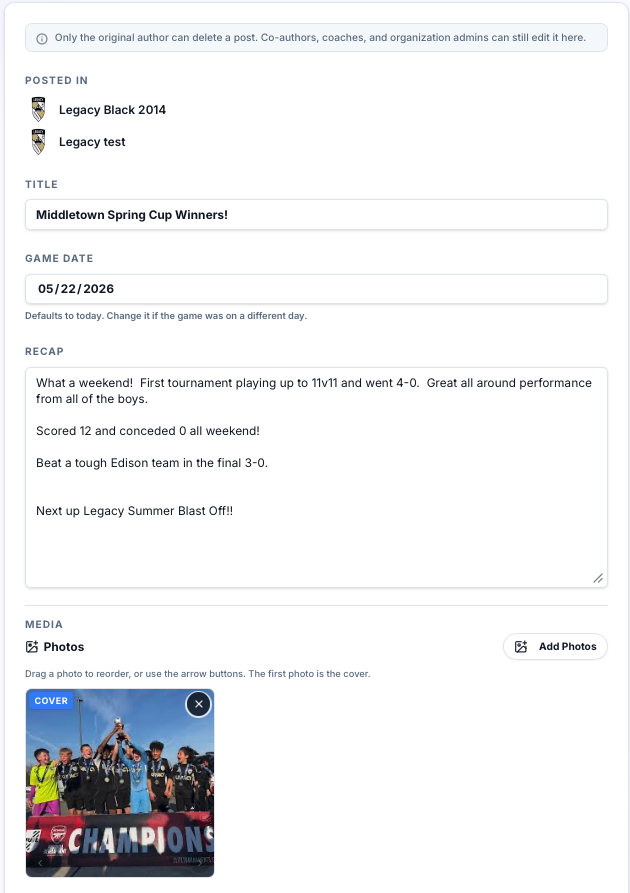
Create game recaps
This is where it all comes together. After a game, write a recap that tells the real story — who showed up, what they did, the moments that mattered. Every recap auto-tags the players in it, so each athlete's profile builds itself, game by game, season after season.